


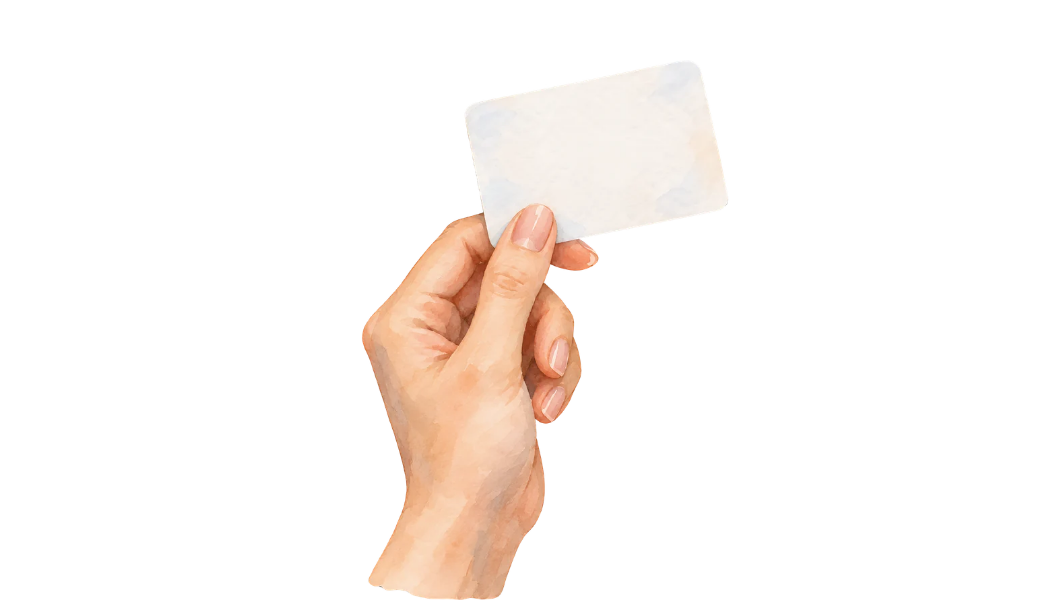
This business card PNG artfully depicts a hand holding a blank card, capturing realism with neutral tones. Ideal for showcasing personalized designs, it brings authenticity to your presentations and mock-ups.
Perfect for freelancers and designers, this realistic business card PNG enhances your projects with its life-like appearance and versatile use. Whether for mock-ups or branding, it's designed for myriad applications.

About this business card PNG
In this image, a hand delicately holds a blank business card. The realistic style combined with neutral tones provides a professional and versatile design. The image's dimensions are 1050×600 pixels, ensuring high detail. The transparent background allows easy integration into various layouts. Its subtle shading and natural appearance make it suitable for diverse business themes.
Ways to use it
- Creating professional-grade business card mock-ups.
- Enhancing presentation slides and promotional documents.
- Designing personalized cards for clients in Photoshop.
- Adding authenticity to branding visualizations.
- Using in educational materials on design principles.
How to download and use
- Download the image by clicking the download button.
- Open Photoshop and create a new project.
- Import the PNG and place it in your composition.
- Use Canva’s background remover tool for further customization.
- In Photopea, adjust saturation to enhance card details.
Editing tips
- Overlay text onto the card for personalized designs.
- Use brightness adjustments to highlight card texture.
- Pair with darker backgrounds to make the card stand out.
Frequently asked questions
How does transparency benefit using this business card PNG?
The transparent background allows for seamless integration into any design, maintaining professionalism without unwanted edges.
What are the licensing terms for this neutral business card PNG?
This image is free for personal use. For commercial use, please check the site license page.
How large is the realistic hand-held business card PNG file?
The file is 1050×600 pixels, perfect for high-resolution displays and detailed design work.
How can I edit this business card PNG in Photoshop?
Load it into Photoshop, use layers for text, and apply filters to adjust tones without affecting the hand's realistic quality.